Free Barcode Generator How to Make One Online
Whether you’re labeling products for a small business, organizing inventory, or creating barcodes for a school project, you don’t need expensive software or design skills to get the job done. With a free barcode generator, you can create a professional, scannable barcode in seconds — right from your browser.
In this guide, we’ll walk through how to generate a barcode online, which barcode type to choose, and how to make sure it actually scans correctly before you print it.
Why Use an Online Barcode Generator?
Traditional barcode software can be clunky, expensive, or require installation. A barcode generator online tool skips all of that. You simply type in your data, pick a barcode format, and download the image — no sign-up, no software, no cost.
This is especially useful for:
- Small business owners labeling products for retail or resale
- Warehouse and inventory teams tracking stock with unique codes
- Students and hobbyists who need a barcode for a project or event
- Sellers on Etsy, eBay, or Amazon who need UPC/EAN codes for listings
How to Make a Barcode Online (Step-by-Step)
- Open the barcode generator tool. Head to CalcuHive’s Barcode Generator — no download or account needed.
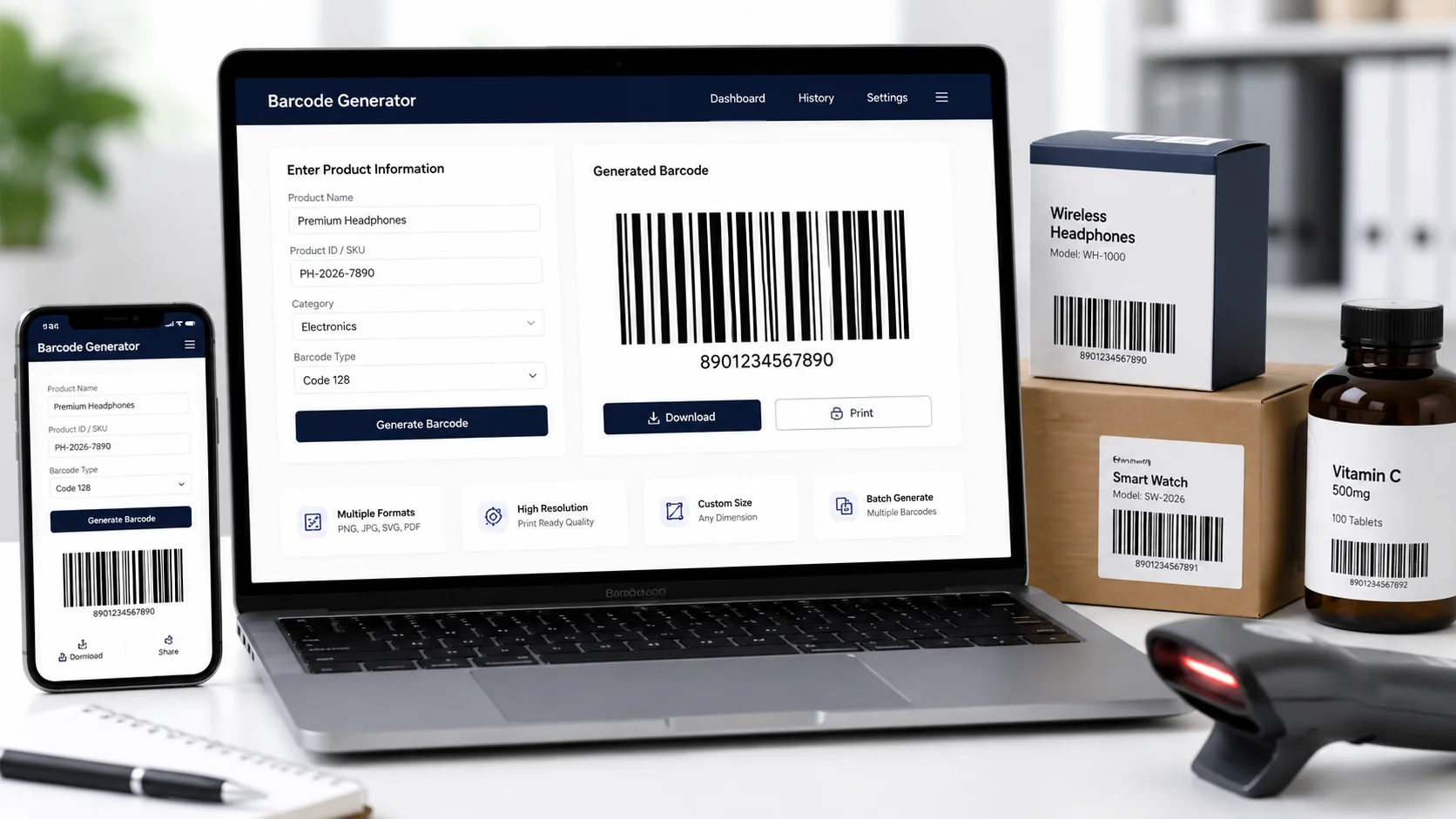
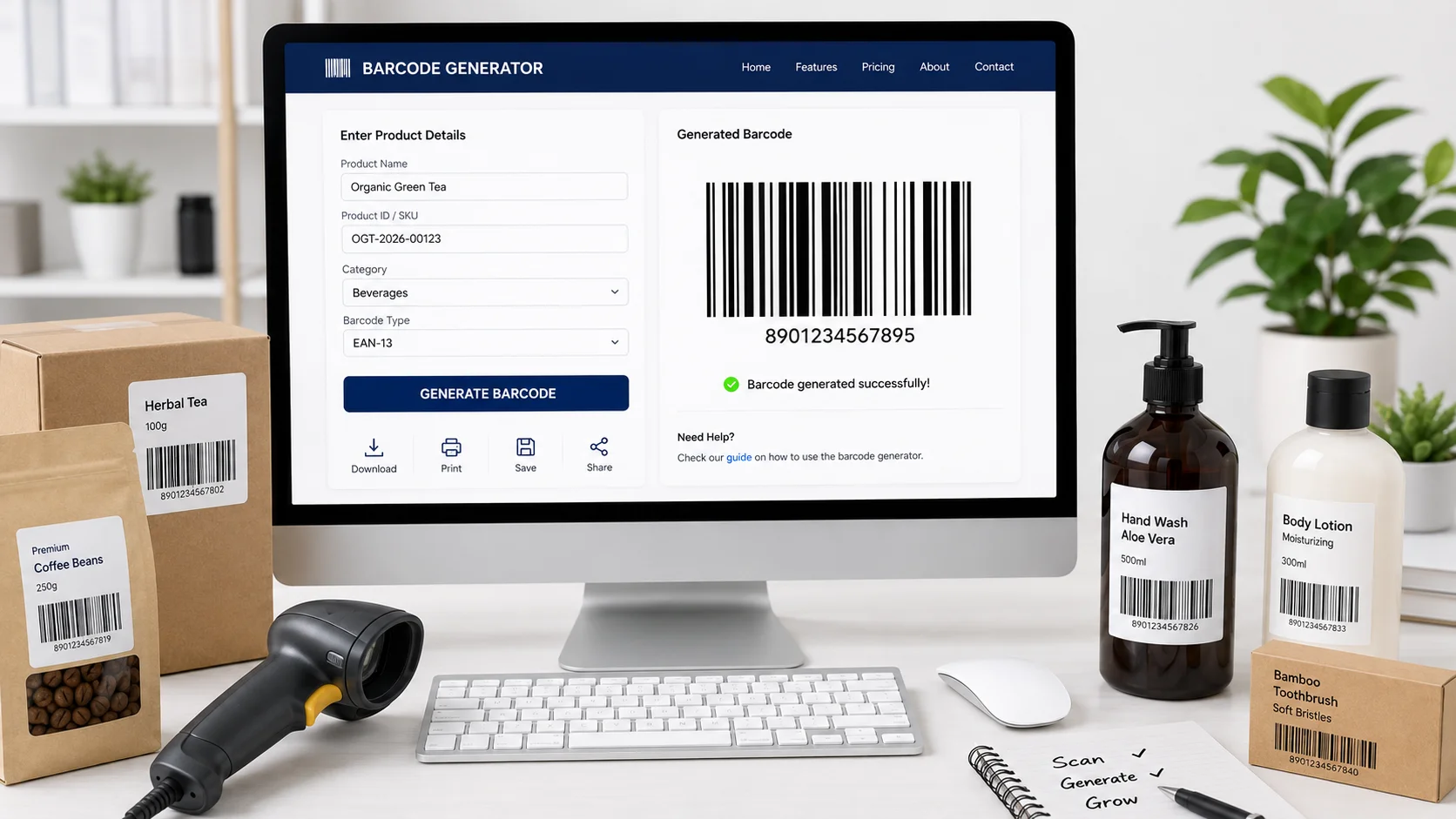
- Choose your barcode type. Common formats include CODE128 (general purpose, supports letters and numbers), EAN-13 (retail products, especially in Europe/Australia), UPC-A (retail products in the US/Canada), and QR-style linear codes for specific use cases.
- Enter your data. Type in the number or text you want encoded. For retail barcodes, this is usually a product ID or SKU.
- Generate the barcode. The tool instantly renders a scannable barcode image based on your input.
- Download and use it. Save the barcode as an image file and drop it into your label design, packaging, or product listing.
Choosing the Right Barcode Format
Not all barcodes work the same way, so picking the right type matters:
- CODE128 – Best all-purpose choice. Supports both numbers and letters, making it flexible for shipping labels, internal inventory codes, or asset tracking.
- EAN-13 – The standard for retail products sold internationally, including Australia. If you’re planning to sell in physical stores, this is usually required.
- UPC-A – The retail standard mainly used in the US and Canada. If you’re selling on Amazon.com or in North American stores, this is often the format required.
- QR Codes – Not a traditional barcode, but useful when you want to encode a link, contact info, or larger chunks of data that a customer might scan with a phone.
If you’re not sure which one you need, check with the retailer or marketplace you’re selling through — many require a specific format for product listings.
Tips for a Barcode That Actually Scans
Generating the barcode is the easy part — making sure it scans reliably takes a little extra care:
- Don’t shrink it too small. Barcodes need a minimum width for scanners to read the lines accurately. When resizing, keep the aspect ratio locked.
- Use high contrast. Black bars on a white background scan best. Avoid colored backgrounds or low-contrast printing.
- Leave quiet space around it. Barcodes need a small margin of blank space on either side — don’t crop it too tight.
- Test before mass printing. Scan the barcode with a phone app or handheld scanner before printing hundreds of labels.
- Print at high resolution. Blurry or pixelated barcodes are a common cause of scan failures, especially with thermal label printers.
Free vs Paid Barcode Tools
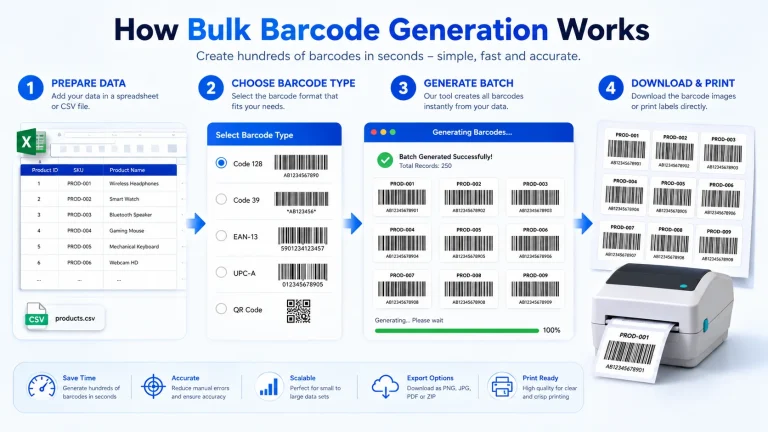
Most free online barcode generators, including CalcuHive’s, cover everything a small business or individual needs — generating standard formats like CODE128, EAN-13, and UPC-A at no cost. Paid barcode software is really only necessary if you need bulk batch generation, integration with inventory management systems, or compliance certification for specific industries (like pharmaceuticals or logistics).
For most everyday use cases — product labels, inventory tags, event tickets, or asset tracking — a free tool gets the job done just as well.
Try It Now
Ready to create your own barcode? Use the free Barcode Generator to make a scannable barcode in seconds — no downloads, no sign-up, and no cost.
Here’s a set of FAQs built around that “free barcode generator” theme — good for expanding your barcode blog post or building an FAQ schema section:
1. What are the best free barcode generator websites for small businesses?
Free tools like CalcuHive’s Barcode Generator, along with other online generators, let small businesses create CODE128, EAN-13, and UPC barcodes at no cost — ideal for labeling products, inventory, or shipments without buying software.
2. Where can I find a no-cost tool to generate UPC codes for products?
You can generate UPC-A codes for free using online barcode generator tools — simply select the UPC format, enter your product number, and download the barcode image instantly.
3. Can I print barcodes for free using an online generator?
Yes, most free barcode generators let you download the barcode as an image (PNG or SVG) that you can print directly onto labels using a regular or thermal printer, at no extra cost.
4. Do free barcode generators work for retail products sold in stores?
Yes, as long as you use the correct format — EAN-13 for international/Australian retail or UPC-A for US/Canadian retail — a free generator can produce store-compliant barcodes.
5. Is there a free barcode generator that doesn’t require sign-up?
Many online barcode tools, including CalcuHive’s, work without creating an account — you just enter your data and generate the barcode directly in your browser.
6. Can I create a barcode for a product I’m selling on Amazon or eBay?
Yes, but check the marketplace’s requirements first — Amazon typically requires a UPC or GTIN, which you can generate for free as long as you already have a valid product number.
7. How do I make a barcode label for inventory tracking?
Use a CODE128 barcode generator (best for alphanumeric codes), enter your internal SKU or item ID, download the image, and add it to your label template for scanning with a barcode reader.
Are free online barcode generators safe and reliable for business use?
Yes — as long as the barcode is generated correctly (right format, proper sizing, high contrast) and tested with a scanner before mass printing, free tools are perfectly reliable for everyday business use.
9. What file format should I download my barcode in for printing?
PNG works well for most home/office printing, but if you’re sending the barcode to a professional printer or label manufacturer, ask if they prefer SVG for higher-quality scaling.
10. Can I generate multiple barcodes at once for free?
Some free tools support single-barcode generation only — for bulk/batch generation (e.g., 100+ SKUs at once), you may need a paid tool or software with batch export.